GPT Proto

Ezremove AI Background Remover

Experience effortless image extraction with the GPTProto ezremove tool. Instantly create clean, transparent PNGs or generate new scenes using advanced AI.

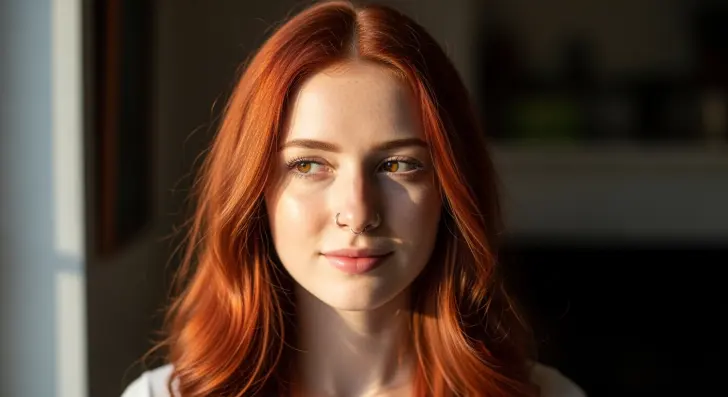
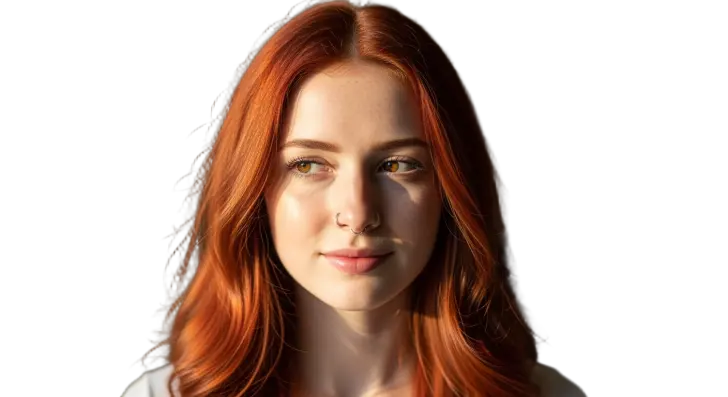
Smart Hair & Edge Detection

Stop stressing over tricky edges. The ezremove algorithm captures tiny details like hair and transparent objects seamlessly, leaving no messy outlines.
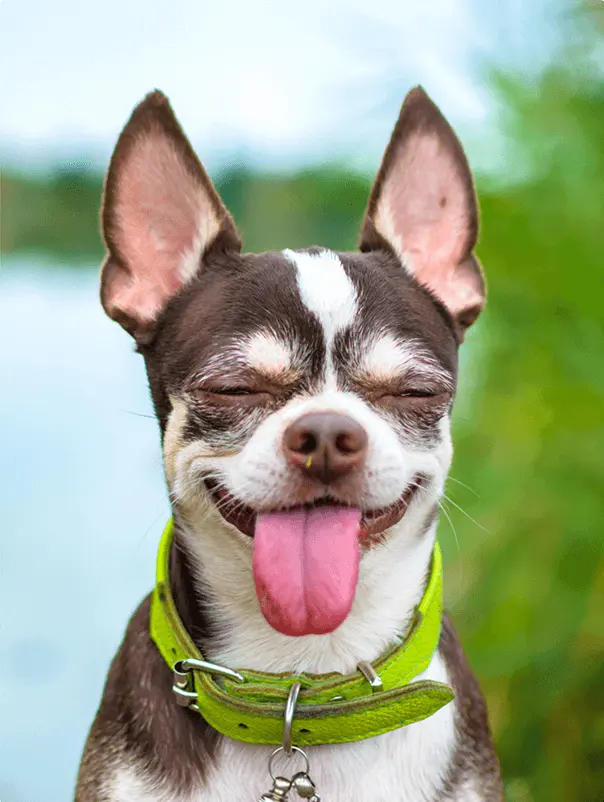
Before · Smart Hair & Edge Detection
Before
Smart Hair & Edge Detection
After

AI Background Generator Integration

Once you use ezremove to clear the original setting, swap in a professional studio look or a vivid color backdrop instantly with our built-in AI generator.

Before · AI Background Generator Integration
Before
AI Background Generator Integration
After

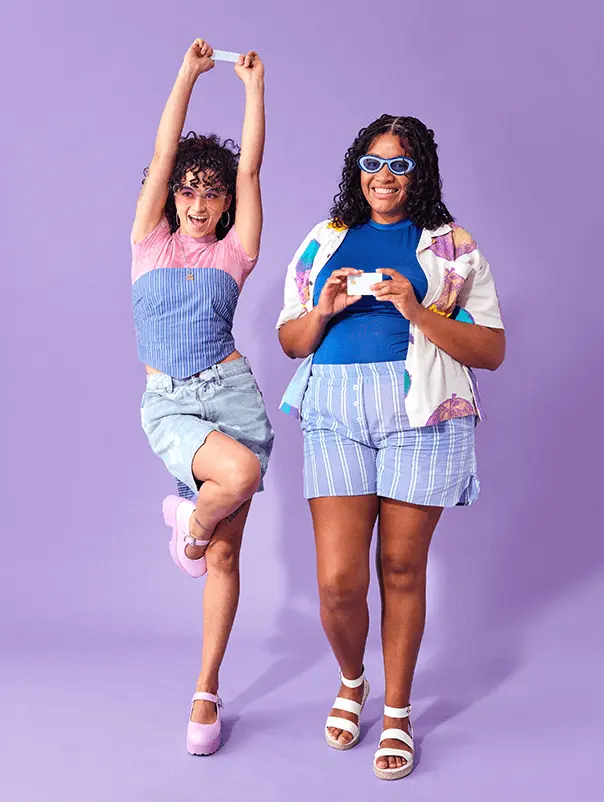
Batch Background Removal Workflow

Streamline your eCommerce listings. Process multiple product photos at once using the ezremove batch feature, ensuring consistent, high-quality image cutouts.

Before · Batch Background Removal Workflow
Before
Batch Background Removal Workflow
After

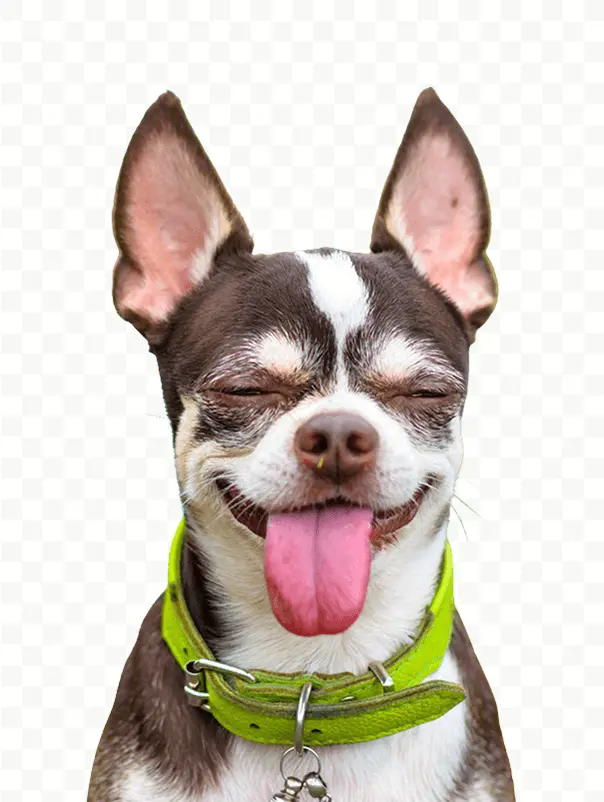
Instant Ezremove Background Remover

Drop your image and let our ezremove AI detect the subject automatically. Achieve a perfect, clean cutout with a transparent background in under 3 seconds.

Before · Instant Ezremove Background Remover
Before
Instant Ezremove Background Remover
After

Frequently Asked Questions

What is the ezremove background remover?

It is an AI-powered feature on GPTProto that instantly clears the backdrop from any image. Just upload your photo, and our ezremove tool automatically detects the subject, delivering a pristine transparent PNG cutout in seconds without manual editing.

Is the ezremove tool free to use online?

Yes, you can use the ezremove AI background remover for standard tasks at no cost. It quickly creates a pristine image cutout without requiring complicated desktop software, making it incredibly accessible for everyday users.

How does ezremove handle complex hair edges?

Our smart ezremove AI is trained on millions of images to detect tricky borders and shiny surfaces. It cleanly separates fine details like human hair or animal fur, ensuring your final cutout looks completely natural and ready to use.

Can I process multiple images at once with ezremove?

Absolutely. GPTProto offers a powerful batch background removal feature within the ezremove suite. You can upload an entire folder of eCommerce product photos and extract them all simultaneously, saving you hours of tedious busywork.

What happens after I use ezremove to clear an image?

You can download your clean cutout immediately, or use our integrated AI Background Generator to drop your subject into a brand new scene, like a cozy cafe, a modern studio, or a vibrant solid color backdrop perfectly suited for ads.

How long does the ezremove process typically take?

It is remarkably fast. For most standard photos, the ezremove background remover completes the extraction and provides your clean, high-quality cutout in under 5 seconds per image, allowing you to maintain a highly efficient workflow.

Does ezremove work well for eCommerce product shots?

Yes! Using ezremove ensures your digital storefront maintains a rigorous visual standard. It accurately clips thin borders, eliminates messy outlines, and provides a polished finish that keeps your product catalogs looking highly professional.

Do I need technical design skills to use the ezremove AI?

Not at all. The entire ezremove workflow is 100% automated. Simply upload your picture, and the AI handles all the heavy lifting. You get professional-grade, transparent image results instantly with absolutely zero manual editing required.

Testimonials

As an online seller, the ezremove tool is a lifesaver. It takes my messy photos and gives a flawless cutout in seconds.

Sarah Jenkins

eCommerce Store Owner

I run ad campaigns and need quick assets. GPTProto's ezremove background remover perfectly clips models seamlessly!

Marcus Thorne

Social Media Manager

The batch background removal feature in the ezremove suite saves me hours. I process 50 jewelry shots perfectly.

Emily Rossi

Product Photographer

Honestly, ezremove is the best AI tool I've tried. The edges never look harsh, and the transparent background is crisp.

David Lin

Graphic Designer

I love using ezremove, then immediately switching to the AI background generator to put my subject on a sandy beach.

Chloe Winters

Content Creator

Removing backgrounds manually drove me crazy. Now I just drop files into ezremove and get clean images instantly.

Ryan Cooper

Freelance Editor

Great tool! Occasionally the ezremove ai gets confused by heavy shadows, but a tiny tweak fixes it. Very valuable.

Jessica Miller

Marketing Coordinator

If you need a fast image background remover, use ezremove. The quality of the PNG downloads is perfect for catalogs.

Tom Hollander

Art Director

The ezremove process is truly automatic. No fiddly lasso tools or zooming in. Just upload and let the AI do its magic!

Anna Kowalski

Web Designer

Our team switched to the ezremove tool on GPTProto. It handles our complex ad creatives flawlessly and saves time.

Michael Barnes

Creative Director

As an online seller, the ezremove tool is a lifesaver. It takes my messy photos and gives a flawless cutout in seconds.

Sarah Jenkins

eCommerce Store Owner

I run ad campaigns and need quick assets. GPTProto's ezremove background remover perfectly clips models seamlessly!

Marcus Thorne

Social Media Manager

The batch background removal feature in the ezremove suite saves me hours. I process 50 jewelry shots perfectly.

Emily Rossi

Product Photographer

Honestly, ezremove is the best AI tool I've tried. The edges never look harsh, and the transparent background is crisp.

David Lin

Graphic Designer

I love using ezremove, then immediately switching to the AI background generator to put my subject on a sandy beach.

Chloe Winters

Content Creator

Removing backgrounds manually drove me crazy. Now I just drop files into ezremove and get clean images instantly.

Ryan Cooper

Freelance Editor

Great tool! Occasionally the ezremove ai gets confused by heavy shadows, but a tiny tweak fixes it. Very valuable.

Jessica Miller

Marketing Coordinator

If you need a fast image background remover, use ezremove. The quality of the PNG downloads is perfect for catalogs.

Tom Hollander

Art Director

The ezremove process is truly automatic. No fiddly lasso tools or zooming in. Just upload and let the AI do its magic!

Anna Kowalski

Web Designer

Our team switched to the ezremove tool on GPTProto. It handles our complex ad creatives flawlessly and saves time.

Michael Barnes

Creative Director

Ready to Use These AI Models in Your Workflow?