
Full-Body Action Matching
Match your subject's pose with a dynamic clip for flawless kling motion control and fluid actions.






Full-Body Action Matching
Match your subject's pose with a dynamic clip for flawless kling motion control and fluid actions.
Kling Motion Control
Elevate your video generation with advanced kling motion control for lifelike facial expressions and fluid body movements.
Match your subject's pose with a dynamic clip for flawless kling motion control and fluid actions.
Match your subject's pose with a dynamic clip for flawless kling motion control and fluid actions.
Seamlessly transition from smiling to sad. Upload front and side views to maintain identity precision.

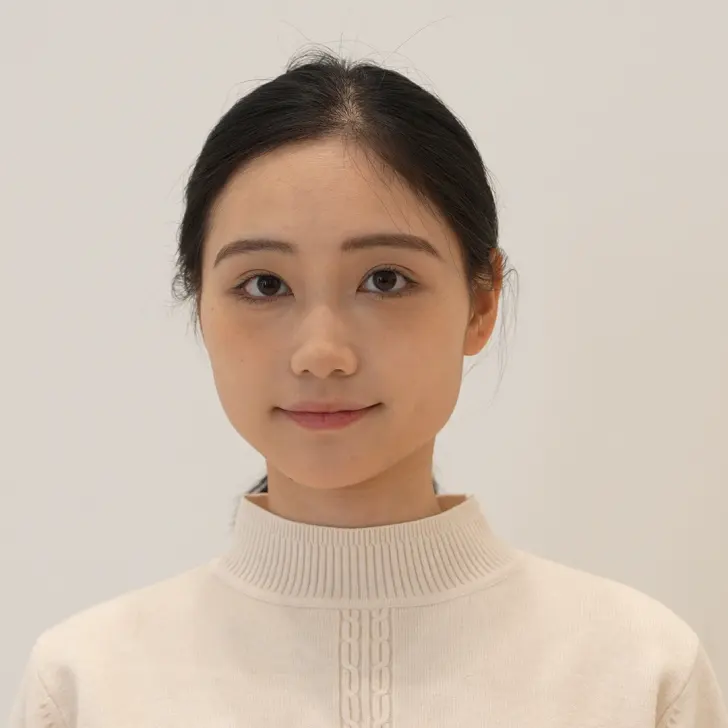

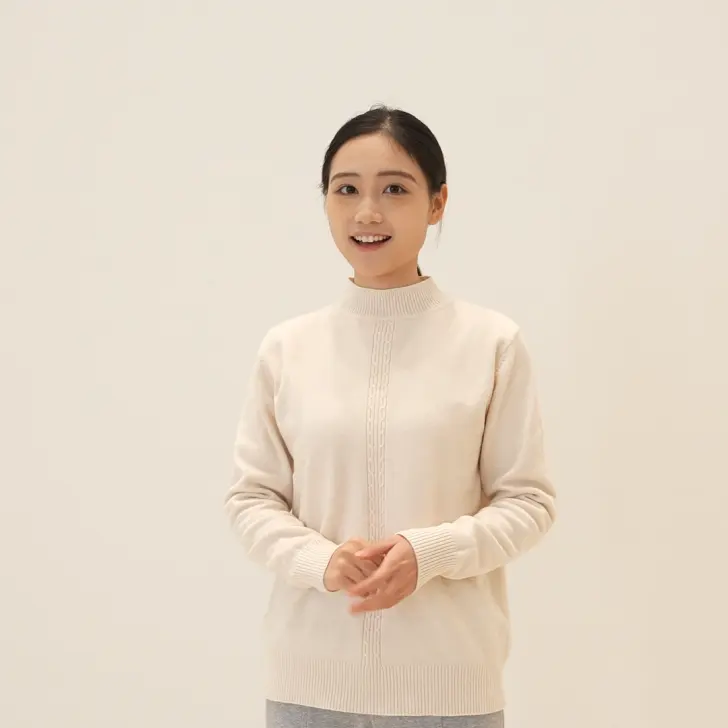
Seamlessly transition from smiling to sad. Upload front and side views to maintain identity precision.
Bring avatars to life with seamless rotation. Upload diverse angles to ensure the best generative outputs.

Bring avatars to life with seamless rotation. Upload diverse angles to ensure the best generative outputs.
Achieve highly accurate expressions and head turns. Our AI extracts movement from your sources flawlessly.

Achieve highly accurate expressions and head turns. Our AI extracts movement from your sources flawlessly.
GPTProto's kling motion control is incredible for exact expressions. The 360° smile rotation worked perfectly on my avatar!
Sarah
Animator
I love how the AI handles complex emotional transitions. Uploading a video source gave me continuous, high-quality results.
Mark
Video Editor
Excellent tool. The kling motion control kept my subject's identity intact even during fast head turns. Highly recommended!
Leo
Content Creator
Make sure to leave enough space in the frame for full-body action. Once I did that, the movement was perfectly fluid.
Emma
Digital Artist
The AI generator correctly ignored the source clothing and only captured the facial data I needed. Very smart system!
James
Director
Getting a figure to transition from sad to happy used to be hard. With kling motion control, it's just uploading a few close-ups.
Sophia
Producer
A minor learning curve figuring out the multi-person rule, but the system correctly picked the largest face. Great feature.
Oliver
3D Modeler
I tried using a cat face on a human, and it looked weird, but for standard character animations, the precision is unmatched.
Mia
Vlogger
We use this for cinematic performance tests. The kling motion control stability across long-duration shots is top-tier.
Lucas
Agency Owner
Matching the half-body source with my image resulted in exactly the pose I wanted. This AI platform saves me hours!
Ava
Designer
GPTProto's kling motion control is incredible for exact expressions. The 360° smile rotation worked perfectly on my avatar!
Sarah
Animator
I love how the AI handles complex emotional transitions. Uploading a video source gave me continuous, high-quality results.
Mark
Video Editor
Excellent tool. The kling motion control kept my subject's identity intact even during fast head turns. Highly recommended!
Leo
Content Creator
Make sure to leave enough space in the frame for full-body action. Once I did that, the movement was perfectly fluid.
Emma
Digital Artist
The AI generator correctly ignored the source clothing and only captured the facial data I needed. Very smart system!
James
Director
Getting a figure to transition from sad to happy used to be hard. With kling motion control, it's just uploading a few close-ups.
Sophia
Producer
A minor learning curve figuring out the multi-person rule, but the system correctly picked the largest face. Great feature.
Oliver
3D Modeler
I tried using a cat face on a human, and it looked weird, but for standard character animations, the precision is unmatched.
Mia
Vlogger
We use this for cinematic performance tests. The kling motion control stability across long-duration shots is top-tier.
Lucas
Agency Owner
Matching the half-body source with my image resulted in exactly the pose I wanted. This AI platform saves me hours!
Ava
Designer
Michael Johnson | 2026/04/13

Schuyler Stacy | 2026/03/12
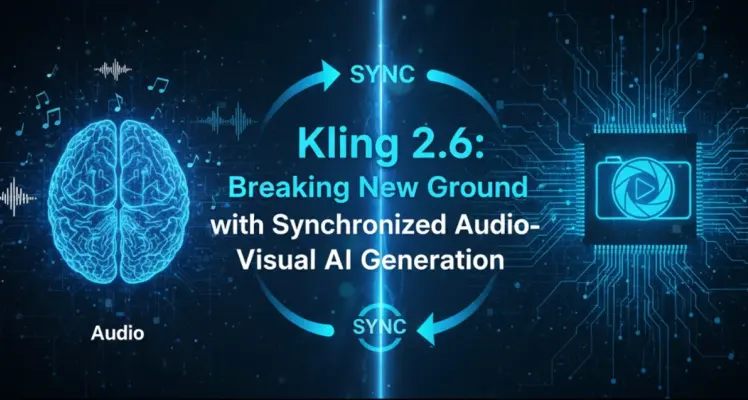
Michael Johnson | 2026/02/24

Tiffany Layne | 2026/04/25
