INPUT PRICE
Input / 1M tokens
image
OUTPUT PRICE
Output / 1M tokens
text
If you want to build applications that can see and draw, the OpenAI API is the most capable starting point available today. On GPTProto, we provide access to the full suite of multimodal models, ensuring you don't have to manage complex subscriptions just to test a single prompt.
The ability of OpenAI to understand pixels is not just a gimmick; it is a fundamental shift in how we interact with data. When you send an image to the OpenAI system, the model doesn't just 'look' at it—it breaks the visual data into patches or tiles, depending on the specific model version you are using. For example, the newer gpt-4.1-mini uses a 32px by 32px patch system to determine the complexity and cost of an input. This allows OpenAI to identify objects, read text in multiple languages, and even interpret the mood of a scene with startling accuracy.
Using OpenAI for vision tasks is simple. You can provide images as fully qualified URLs or as Base64-encoded strings directly in your request. If you are building a tool for document digitization or automated support, the OpenAI vision features will allow you to extract data from screenshots and photos without needing a separate OCR engine. You can read the official OpenAI documentation to see the full list of supported file types, including PNG, JPEG, and non-animated GIFs.
Speed and cost are the two biggest factors when choosing an AI partner. Many developers are switching to OpenAI because of the high instruction-following capabilities. While other models might struggle with complex formatting, OpenAI models like GPT-4o and GPT-5 handle structured outputs with ease. When you use these through GPTProto, you can manage your API billing with total flexibility. We don't force you into monthly tiers; you simply pay for the tokens you use.
OpenAI has moved past the era of simple text-in, text-out. By making image generation and vision native to the model architecture in versions like GPT Image 1, they have removed the friction between different AI modalities.
Integration is also straightforward. Whether you use Python, Node.js, or curl, the OpenAI endpoints are predictable. You can read the full API documentation on our site to get code snippets that work instantly. Monitoring your usage is just as easy; you can track your OpenAI API calls in real-time to ensure your application stays within budget.
Calculating the cost of a vision request can be tricky if you don't know the rules. OpenAI uses two primary methods for metering images. For the 'mini' and 'nano' series, the cost is based on 32x32 patches. If your image is 1024x1024, it requires 1024 tokens. For the standard 4o and o-series, OpenAI uses a tile-based system. Each 512x512 square tile costs a specific amount of tokens—typically 170 for high-detail mode—plus a base cost of 85 tokens.
| Model Category | Input Type | OpenAI Token Logic | Best Use Case |
|---|---|---|---|
| Mini Series | Vision | 32x32 Patches | Fast, low-cost analysis |
| Standard Series | Vision | 512x512 Tiles | High-detail OCR & Research |
| GPT Image 1 | Generation | Native Multimodal | High-fidelity art & design |
If you want to save money, you should use the 'detail: low' setting. This forces OpenAI to process the image at a fixed budget of 85 tokens, which is perfect for tasks like identifying the dominant color or the general category of an object. If you need to read small text or understand a complex diagram, 'detail: high' is necessary. You can explore more of these optimization techniques on the GPTProto tech blog.
Generating images with OpenAI is no longer a separate process handled by a different model. With GPT Image 1, the AI uses its broad world knowledge to create more realistic details. If you ask for a specific gemstone, the model knows its crystalline structure and how light should hit its surface. This contextual awareness is what sets OpenAI apart from older DALL-E versions. You can also try GPTProto intelligent AI agents that are pre-configured to use these image generation tools for creative workflows.
However, there are limitations. OpenAI is not designed for interpreting medical images like CT scans, and it may struggle with very small text or spatial reasoning tasks like identifying chess positions. It also blocks CAPTCHA submissions for safety reasons. Despite these hurdles, the OpenAI ecosystem remains the most versatile for developers. Make sure to check the latest AI industry updates to see when new vision features are rolled out.
When you integrate the OpenAI API into your stack, remember that image inputs count toward your Tokens Per Minute (TPM) limit. Managing this involves careful prompt engineering and selecting the right fidelity. Using the OpenAI platform via GPTProto gives you the advantage of 'No Credits' expiration, meaning your balance stays valid as you refine your implementation. If you enjoy the service, don't forget that you can earn commissions by referring friends to our platform.

How businesses are using OpenAI multimodal features to solve problems.
Challenge: A retail warehouse needed to count items on shelves from low-quality CCTV stills. Solution: They implemented OpenAI vision via the gpt-4.1-mini model to identify and count objects. Result: Inventory tracking accuracy improved by 40% while reducing manual labor.
Challenge: An e-commerce brand struggled to create unique social media graphics for thousands of products. Solution: They used OpenAI (GPT Image 1) to generate backgrounds based on product descriptions. Result: Click-through rates on ads increased by 25% due to more relevant visuals.
Challenge: A non-profit needed to convert printed archives into screen-reader-friendly text. Solution: Using OpenAI with 'detail: high' mode, they extracted text from complex, multi-column layouts. Result: Thousands of historical documents were made accessible to the visually impaired.
Follow these simple steps to set up your account, get credits, and start sending API requests to gpt 5.2 codex via GPT Proto.

Sign up

Top up

Generate your API key

Make your first API call

Explore how GPT-5.2 Thinking is redefining the digital colleague in OpenAI's latest roadmap for enterprise and infrastructure. Learn more today.
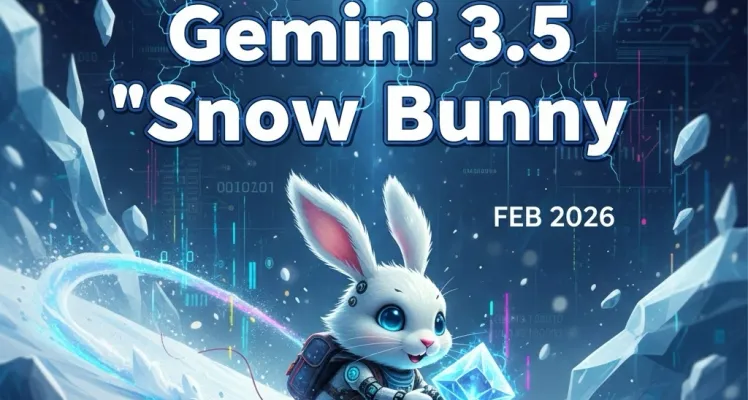
Explore alleged Gemini 3.5 features, release date predictions, dual AI models, code generation capabilities, pricing, and API access for developers.
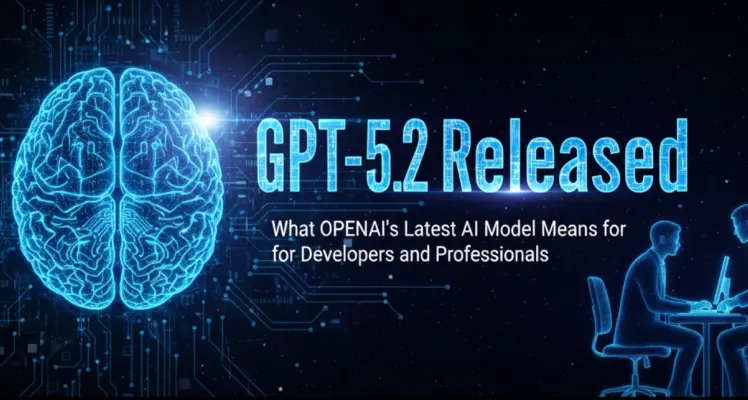
OpenAI released GPT-5.2 on December 11, 2024, with three versions offering major improvements in coding, spreadsheets, and reasoning. Learn what's new and how to access it affordably through GPT Proto.
Compare GPT 5.2 and Gemini 3 models. Learn their capabilities, pricing, and which AI is best for your needs. Detailed feature comparison inside.
User Reviews of OpenAI on GPTProto