The Practical Realities of Using Dreamina Seedance 2.0
I have spent way too many hours watching progress bars crawl across my screen. If you are into video creation, you know that the "next big thing" in AI video happens about every three days. But dreamina caught my eye recently because of the Seedance 2.0 update.
It is not just another wrapper for a generic model. When you sit down with dreamina, you realize it is trying to solve the specific headaches we have complained about for months. Character faces changing every five seconds? Physics that look like a fever dream? Those are the targets here.
But let's be real—it's not all sunshine and perfect renders. There are some serious hoops to jump through depending on where you live. And the credit system in dreamina can feel like a punch to the wallet if you aren't careful with your renders.
The real test of any AI video tool is whether it saves you time or just adds a new layer of technical frustration to your workflow.
A Quick Overview of Dreamina Capabilities
At its core, dreamina is designed as a high-control video generation environment. Unlike tools that just give you a prompt box and a "good luck" button, this tool wants you to be the director. It feels more like a creative suite than a simple generator.
The multi-modal approach in dreamina means you can throw images, audio, and reference videos into the mix at the same time. This is a big deal for anyone who has tried to describe a specific camera movement using only words and failed miserably.
Initial Impressions of Dreamina Performance
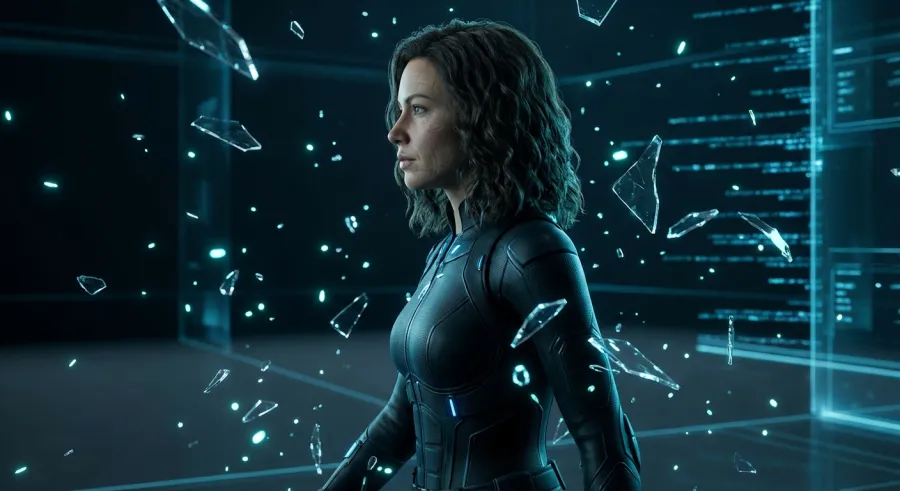
The first thing you notice when using dreamina is that the movements actually make sense. Most AI video generators make people look like they are made of liquid. In dreamina, there is a sense of weight and gravity that was missing in previous iterations.
It’s impressive, but you’ll need patience. The demand for dreamina is high, and the servers definitely feel the strain. If you're looking for instant gratification, you might want to brew a fresh pot of coffee while you wait for your queue to clear.
How to Get Started with Dreamina Right Now
Here is the thing about dreamina: you might not be able to just "sign up" depending on your GPS coordinates. Currently, the tool is fenced off in specific regions like Indonesia, Mexico, and the Philippines. If you are in the US or Europe, you’ll hit a wall.
Does that mean you can't use dreamina? Not exactly. Most practitioners are already familiar with the VPN dance. Connecting to a Mexico server seems to be the sweet spot for getting past the regional locks and into the dashboard.
Once you are in, the interface for dreamina is actually quite intuitive. It doesn't overwhelm you with sliders immediately. You start with your base assets—be it a prompt or an image—and then layer on the control features that Seedance 2.0 provides.
Bypassing Regional Blocks to Access Dreamina
If you find yourself stuck, don't overthink it. A reliable VPN is your best friend here. Set your location to Mexico or Malaysia, and dreamina should open its doors. It is a bit of a hassle, but for the physics engine alone, it's worth the extra click.
Keep in mind that dreamina plans to roll out more broadly soon. But if you're a freelancer who needs these features today, the VPN route is the only way to stay ahead of the curve. Just make sure your connection is stable before starting a large render.
Setting Up Your First Dreamina Project
Your first move in dreamina should be to test the image-to-video capabilities. Upload a high-quality portrait and see how the tool handles facial features. This is where most AI models fail, but dreamina keeps the character consistency surprisingly tight.
Don't jump straight into a 12-second epic. Start with short 3-second clips in dreamina to understand how the prompt weightings work. This saves you credits and prevents you from waiting an hour for a video that doesn't match your vision.
- Select a region-supported VPN server.
- Upload a clear reference image for better consistency.
- Use short clips to test your initial prompts.
- Monitor your credit balance after every render.
Exploring the Key Features of Dreamina Seedance 2.0
The heavy hitter in the new dreamina update is definitely the physics engine. We’ve all seen AI videos where hair flies in every direction or clothes meld into the skin. Seedance 2.0 treats objects like they have actual mass and boundaries.
Then there is the audio sync. This is a game-changer for social media creators. You can upload a track, and dreamina will attempt to time the visual transitions and movements to the beat. It’s not perfect, but it’s a massive head start for editing.
Character consistency is another area where dreamina shines. If you're telling a story, you need your lead to look the same in every shot. The tool tracks clothing and facial structure better than almost anything else in this price range right now.
The Physics Engine Inside Dreamina
The physics in dreamina aren't just for show. When a character walks, their feet actually hit the ground with intent. Interactions with the environment—like sitting on a chair or picking up an object—look significantly more natural in this version of dreamina.
It’s about reducing the "uncanny valley" effect. While we aren't at Hollywood levels of realism yet, dreamina gets us closer by making sure the world doesn't look like it's melting. For a practitioner, this means less time spent masking out artifacts in post-production.
Advanced Camera Control in Dreamina
If you want a 360-degree spin or a dramatic zoom, you don't just type it. You can upload a reference video in dreamina to show the AI exactly how the camera should move. This level of precision is something most competitors are still figuring out.
It’s basically "monkey see, monkey do" for AI. By giving dreamina a visual template, you remove the guesswork. This is especially useful for complex shots that are impossible to describe accurately with text prompts alone. It’s a huge win for professional workflows.
| Feature |
What It Does for You |
The Catch |
| Physics Engine |
Realistic character movement |
Higher render times |
| Reference Video |
Precise camera control |
Requires existing video footage |
| Audio Sync |
Visuals match the beat |
Limited to simple rhythms |
| Multi-Modal Input |
Mix image, video, and audio |
Steeper learning curve |
Real-World Use Cases for Dreamina
So, who is dreamina actually for? If you are a social media manager, the audio sync and character consistency make this a dream. You can create a digital brand ambassador and have them appear in dozens of videos without their face changing every time.
Freelance video editors are also finding value in dreamina for b-roll. Need a specific shot of someone walking through a neon-lit street that you can't find on stock sites? You can generate it in a few minutes, provided the queue isn't too long.
But here's a pro tip: use dreamina as a starting point. The 720p output is okay for TikTok, but for professional work, you'll need to run these clips through an upscaler. It is a powerful tool in a larger pipeline, not a one-stop shop.
Dreamina for Viral Social Media Content
The "beat-sync" feature in dreamina is clearly aimed at the TikTok and Reel crowd. By aligning movement to audio, you create content that feels more polished and intentional. It’s about grabbing attention in those first three seconds, and dreamina helps you do that.
Because you can maintain the same character, you can build a narrative. Consistency is the key to branding. If your audience recognizes the character in your dreamina videos, they are more likely to stop scrolling and engage with the content.
Integrating Dreamina into Professional Workflows
If you're a developer or a high-volume creator, managing separate tools like dreamina can get messy. This is where getting started with the dreamina-capable API or similar model aggregators saves your sanity. Centralizing your AI stack is crucial when you're scaling.
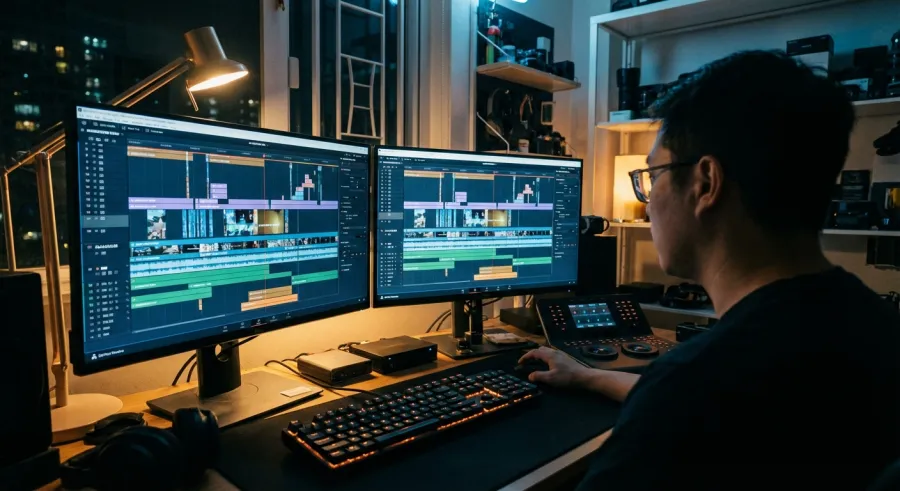
Using dreamina for storyboarding is also a massive time-saver. You can quickly generate "proof of concept" clips to show a client before committing to an expensive live-action shoot. It bridges the gap between a static script and a finished product brilliantly.
For many creators, the ultimate goal is reducing the cost per asset. While dreamina has its own credit system, combining it with a broader AI strategy—like the one offered by GPT Proto—can help you manage your total spend across different models and tasks.
Honest Assessment: The Limitations of Dreamina
Let's talk about the elephants in the room. First, dreamina is heavily censored. If you are trying to create realistic historical content or anything that touches on "sensitive" topics, the AI will likely block you. It can be incredibly frustrating for serious creators.
Second, the cost. Some users have reported being charged over 1,100 credits for a single 12-second clip in dreamina. That is a lot of money if the render doesn't come out right. You have to be very deliberate with your prompts to avoid wasting resources.
Then there is the output quality. At 720p, dreamina feels a bit dated. In an era where 4K AI generation is becoming the standard, the compression and artifacts in Seedance 2.0 can make the footage look "mushy." It definitely needs a bit of post-processing help.
Navigating the Dreamina Censorship Filter
The censorship in dreamina is some of the strictest I've seen. It often blocks things that aren't even remotely offensive, simply because the model is playing it extremely safe. This "safe-mode" can stifle creativity if you're pushing for unique visual styles.
You’ll need to learn the "art of the workaround." Sometimes changing a single word in your dreamina prompt can bypass a filter, but it’s a game of trial and error. This is a major friction point for practitioners who just want to get work done.
Wait Times and Generation Speed in Dreamina
If you think you're going to bang out ten videos in an hour, think again. The dreamina servers are often slammed. Waiting in a queue for 45 minutes just to see one generation is common. It’s not exactly a "fast" creative process yet.
This is why prompt optimization is so important. You can't afford to throw things at the wall and see what sticks in dreamina. You need to spend time refining your idea before you hit that generate button, or you'll spend your whole day staring at a loading bar.
- Heavy censorship limits creative freedom.
- High credit costs per second of video.
- 720p resolution requires upscaling for professional use.
- Long server queues during peak hours.
The Final Verdict: Is Dreamina Worth It?
So, should you jump through the VPN hoops for dreamina? If you are struggling with character consistency or weird physics in other tools, the answer is a solid yes. The control you get with reference videos and multi-modal inputs is top-tier.
However, if you need high-resolution, uncensored content quickly, dreamina might drive you crazy. It is a "power user" tool that requires patience and a bit of a budget for credits. It’s a glimpse into the future of video, but with some very present-day growing pains.
In the grand scheme of things, dreamina is a strong contender. It addresses the right problems—physics, consistency, and control. If they can fix the server speeds and bump up the resolution, it could easily become the industry standard for AI video creators.
How Dreamina Measures Up to the Competition
Compared to other big names, dreamina feels more "technical." It gives you more levers to pull. While other tools focus on making the prettiest 5-second loop, dreamina is trying to make a tool that actually follows directions. That is a trade-off I’m willing to make.
But don't put all your eggs in one basket. The AI space moves fast. While you're using dreamina, keep an eye on how other models are evolving. Managing your costs by using a platform like GPT Proto to explore all available AI models is just smart business in this environment.
The Future of the Dreamina Ecosystem
We are still in the early days of Seedance 2.0. As dreamina moves out of regional testing and scales its hardware, many of these "wait time" issues should disappear. The core technology is solid; the infrastructure just needs to catch up to the demand.
I’m optimistic about dreamina because they are listening to the community. The shift toward better physics and camera control didn't happen by accident—it happened because creators demanded it. If they keep that feedback loop open, the next version will be something special.
For now, grab your VPN, sharpen your prompts, and give dreamina a spin. Just be prepared to wait a bit for the magic to happen. It's an imperfect but incredibly powerful addition to any digital creator's toolkit.
Written by: GPT Proto
"Unlock the world's leading AI models with GPT Proto's unified API platform."